How to Set Up IPTV Care on TiviMate: The Ultimate 2026 Guide
If you use an Android-based device like a Firestick, Nvidia Shield, or Google TV, you’ve likely heard of TiviMate. While IPTV Care provides the high-quality channels and streams, TiviMate is the "engine" or player that lets you browse them with a professional, high-end interface.
In this guide, we’ll show you exactly how to connect your IPTV Care subscription to TiviMate for a truly premium viewing experience.
Why Use IPTV Care with TiviMate?
While IPTV Care works with many apps, TiviMate offers features that make your streaming experience feel like high-end satellite TV:
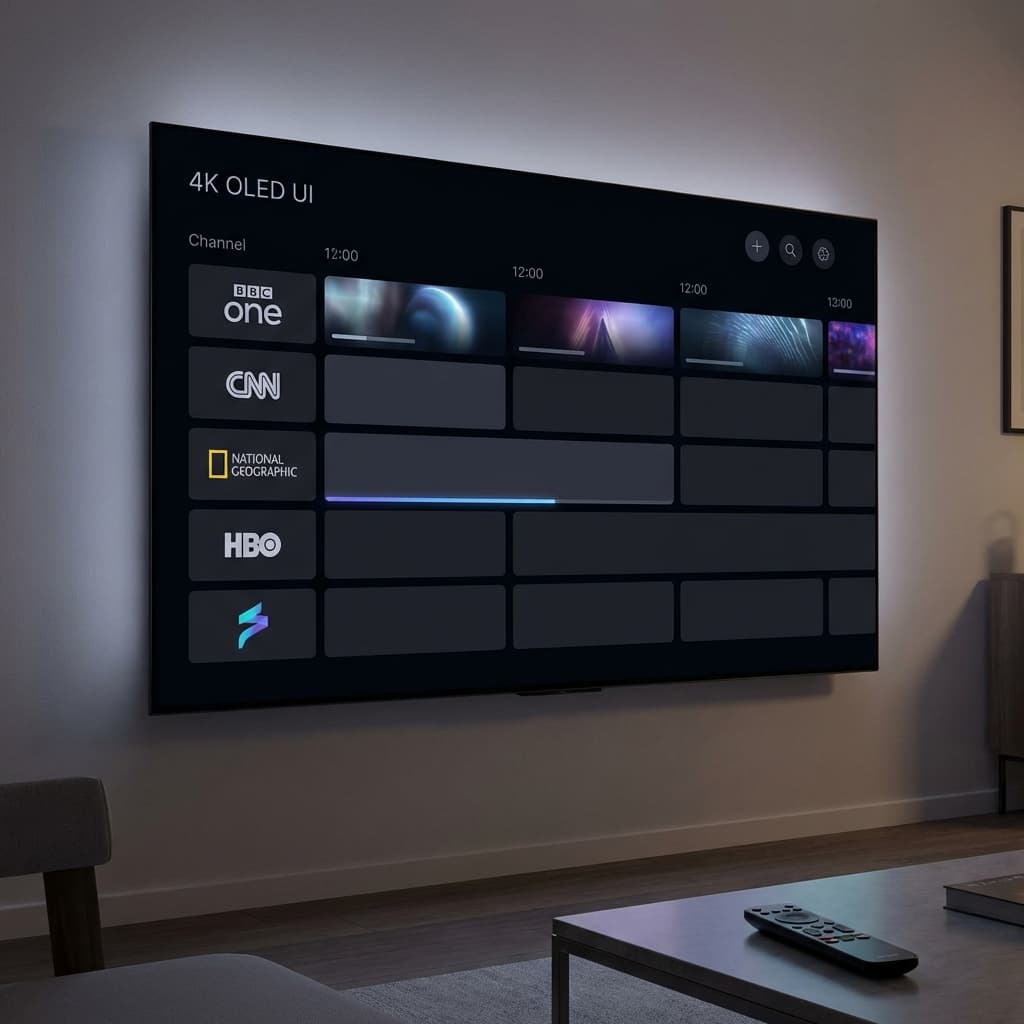
- Professional EPG: A fast, visual TV guide fully integrated with IPTV Care's channel list.
- Multiple Playlists: seamless switching if you have multiple packages.
- Catch-up Support: Rewind and watch shows provided by our servers.
- Customizable UI: Tailor the interface to your linking while enjoying 4K content.
How to Set Up Your IPTV Care Subscription (Step-by-Step)
Step 1: Install TiviMate
Search for "TiviMate" on the Google Play Store or use the Downloader app on Firestick to side-load it from the official website.
Step 2: Add Your IPTV Care Details
- Open TiviMate and click Add Playlist.
- Choose Xtream Codes (this is the most stable method recommended by IPTV Care).
- Enter the Server Address, Username, and Password provided in your IPTV Care welcome email.
Step 3: Configure the EPG
IPTV Care provides a high-quality Electronic Program Guide. TiviMate should pull this automatically. If it doesn't:
- Go to Settings > TV Guide.
- Ensure your IPTV Care playlist is linked to the correct source.
Step 4: Unlock Premium (Optional)
TiviMate Premium unlocks advanced features like multiview. You can purchase this via the "TiviMate Companion" app if you want to take your setup to the next level.
Pro Tips for the Best Experience
- IPTV Care Load Balancing: Our servers automatically balance load, but setting your buffer size to "Large" in TiviMate settings can help if your local Wi-Fi is unstable.
- Auto-Update: Set your playlist to refresh every 24 hours so you get the latest channel additions from IPTV Care.
Conclusion
By combining the stability of IPTV Care with the professional interface of TiviMate, you're creating the best possible home cinema setup for 2026.
Get Your IPTV Care Subscription Ready | Contact Our 24/7 Support