One Subscription, Every Room: The Ultimate Multi-Room IPTV Guide (2026)
If you have kids, you know the struggle. Saturday afternoon: Dad wants Football. Mum wants a Movie. Kids want Cartoons.
The Old Solution (Sky/Virgin): Pay £15/month extra for a "Multi-Room" box. Drill holes in the wall for cables. argue about who lost the one remote that works.
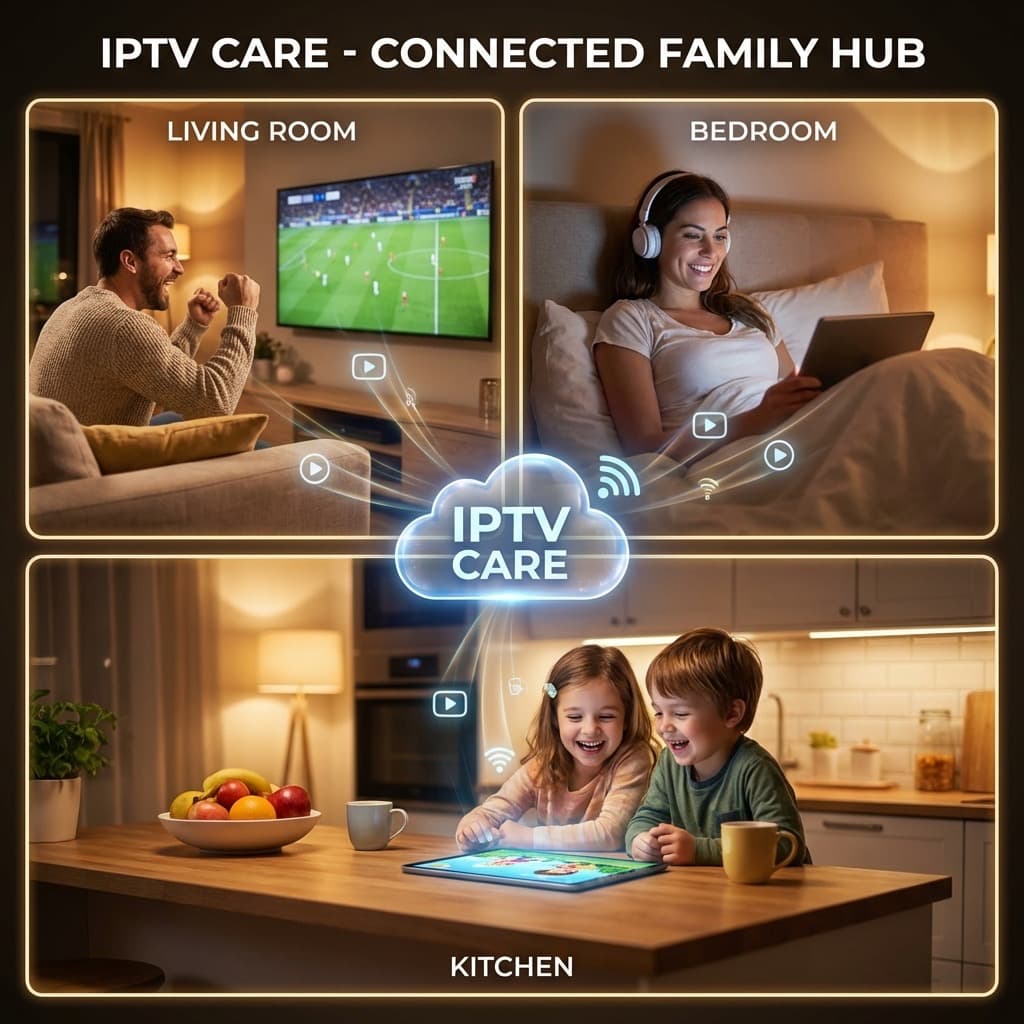
The New Solution (IPTV Care): One Login. Simultaneous Streams. Play Sky Sports in the lounge, Disney+ in the bedroom, and Bluey on the iPad in the kitchen.
All at the exact same time.
⚡ Family Peace Keeper: Stop the "Remote Wars". [Get a Multi-Connection Trial Here] and let everyone watch what they want.
What is Multi-Connection IPTV?
Unlike Netflix (which kicks you off if too many people log in), IPTV Care offers dedicated "Connections".
Think of a "Connection" like a virtual cable box.
- 1 Connection: Watch on 1 device at a time.
- 2 Connections: Watch on 2 devices simultaneously.
- 3+ Connections: The whole house goes live.
Crucially: You can install the app on unlimited devices. The limit is only on simultaneous watching.
How to Set It Up (The "No-Drill" Method)
Forget calling an engineer. You can wire up a 4-bedroom house in 20 minutes.
Step 1: The "Main Event" (Living Room)
Best Device: Nvidia Shield or Firestick 4K Max. Why: This is your main TV. You want 4K HDR and surround sound. The Setup: Plug into HDMI 1. Connect Ethernet (for stability). Launch TiviMate.
Step 2: The "Bedroom Cinema"
Best Device: Google Chromecast with TV or Smart TV App. Why: Silent, hides behind the TV, no bright lights. The Setup: Use WiFi (5GHz). Install IPTV Smarters.
Step 3: The "Kitchen/Travel"
Best Device: iPad or Android Tablet. Why: Portable. Watch while cooking or on the train. The Setup: Download XCIPTV. Login. Go.
Cost Comparison: Filling a 3-TV Home 🏠
| Provider | Main TV Cost | 2nd Room Cost | 3rd Room Cost | Total Monthly |
|---|---|---|---|---|
| Sky Q / Glass | £60+ | £15 (Multi-Screen) | £15 (Multi-Screen) | £90+ |
| Virgin Media | £55+ | £10 (Mini Box) | £10 (Mini Box) | £75+ |
| IPTV Care | £9.99 | £3.00 (Add-on) | £3.00 (Add-on) | £15.99 |
Yearly Savings: ~£800. That is a family holiday. Or a really nice new TV.
Technical Tip: The WiFi Issue 📶
Streaming three 4K streams at once uses about 75 Mbps of bandwidth. If your bedroom TV buffers, it's not the IPTV—it's your WiFi signal.
The Fix:
- Don't use 2.4GHz WiFi: It is too slow. Force your devices to 5GHz.
- Get a Mesh System: Eero or TP-Link Deco units work wonders.
- Powerline Adapters: Send internet through your electric plugs. (~£30 on Amazon).
⚠️ Router Alert: The free router from your ISP is garbage. If you are going Multi-Room, invest in a decent router. It makes a huge difference.
Creating "User Profiles"
Just like Netflix, good IPTV apps allow profiles.
- Set up a "Kids" Profile: Lock it to the "Kids" and "Cartoons" categories. Hide the "Adult" or "Horror" sections.
- Set up a "Sports" Profile: Put Sky Sports Main Event at #1.
Conclusion: Total Home Entertainment
In 2026, TV shouldn't be tethered to a wall socket. It should be wherever you are.
By switching to a Multi-Room IPTV setup, you aren't just saving money. You are upgrading your home's IQ.
Make every screen a Smart Screen.
📺 POWER UP YOUR HOME: Add extra connections today.
[Message Support to Upgrade Your Plan]